
Google SEO
Google offers several tools and services that help with SEO (Search Engine Optimization), assisting website owners and digital marketers in optimizing their sites for search engines. Here are the primary services Google offers for SEO and that we manage for our clients.
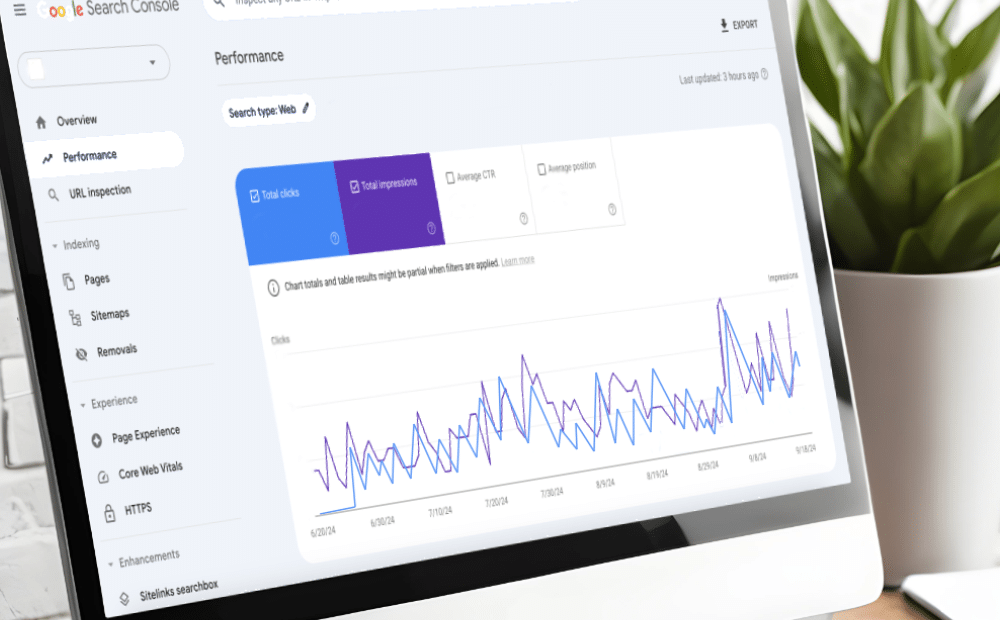
- Overview: A free tool that helps website owners monitor, maintain, and troubleshoot their site’s presence in Google Search results.
- Key Features:
- Performance Reports: Provides insights into search traffic, including queries, clicks, impressions, and rankings.
- Index Coverage: Shows which pages are indexed by Google and highlights errors or issues preventing indexing.
- Crawl Stats: Shows how often Googlebot is crawling your site.
- Mobile Usability: Identifies mobile-friendly issues.
- Sitemap Submission: Allows the submission of XML sitemaps to ensure Google crawls all the important pages.
- Core Web Vitals: Measures page experience and speed metrics that affect rankings.
Google Search Console
Google Analytics
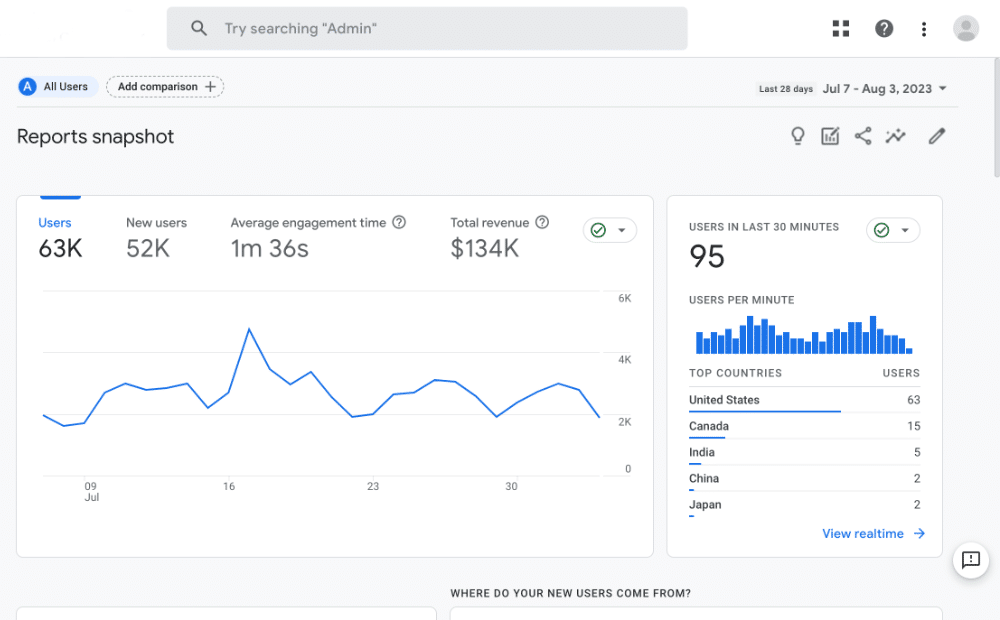
- Overview: A robust analytics tool that tracks and reports website traffic, user behavior, and engagement.
- Key Features:
- Traffic Reports: Shows where your traffic is coming from (organic search, social media, referrals, etc.).
- User Behavior: Provides insights into how users interact with your website (pages visited, time on site, bounce rates).
- Conversions: Helps track goals, such as form submissions or purchases, to measure the effectiveness of your SEO strategies.
- Audience Insights: Delivers demographic and geographic data to understand your target audience better.
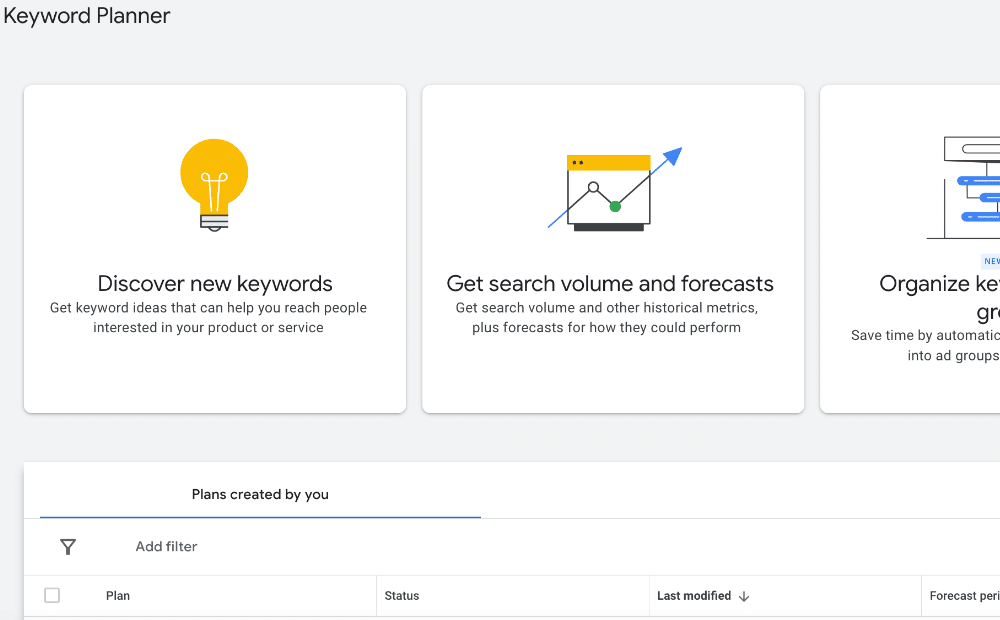
- Overview: Part of Google Ads, this tool is used for keyword research, which is essential for SEO planning and content creation.
- Key Features:
- Keyword Suggestions: Generates keyword ideas based on a seed keyword, topic, or website.
- Search Volume Data: Provides data on monthly search volume for specific keywords.
- Competition Level: Shows how competitive a keyword is in terms of paid search (helpful for understanding organic competition as well).
- Cost Per Click (CPC): Although primarily for ads, CPC gives insight into the commercial value of keywords.
Google Keyword Planner
Google My Business (GMB)
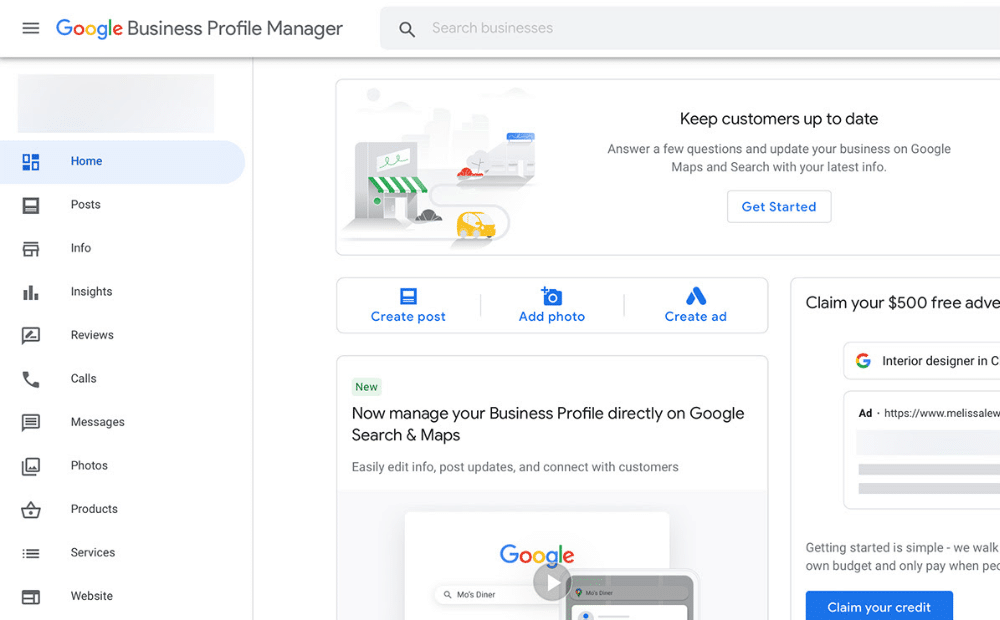
- Overview: A free tool for businesses to manage their online presence on Google Search and Google Maps.
- Key Features:
- Local SEO: Optimizing your GMB profile improves your chances of appearing in local search results and Google Maps.
- Business Information: Allows you to display essential business details, including hours, location, website, and services.
- Reviews: Collect and respond to customer reviews, which play a crucial role in local SEO.
- Posts & Updates: Share posts, updates, and offers directly to your profile to engage local customers.
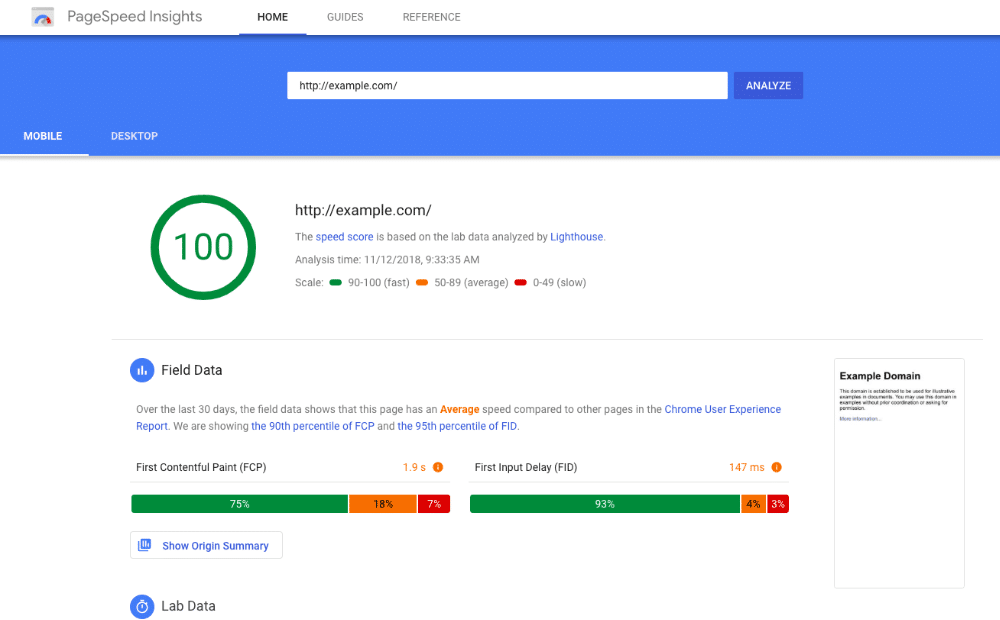
- Overview: A tool that analyzes the content of a web page and provides suggestions to make it faster.
- Key Features:
- Page Performance: Scores pages for both mobile and desktop, offering insights on load times, interactivity, and visual stability.
- Core Web Vitals: Measures key metrics such as Largest Contentful Paint (LCP), First Input Delay (FID), and Cumulative Layout Shift (CLS).
- Optimization Tips: Suggests ways to improve performance, including image compression, reducing server response time, and leveraging browser caching.
Google PageSpeed Insights
Google Mobile-Friendly Test
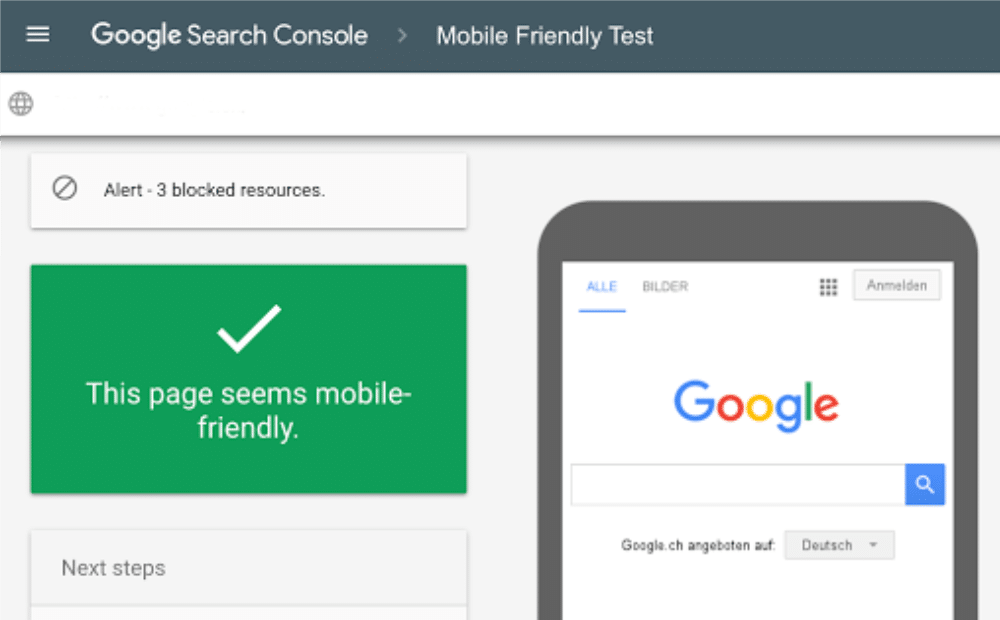
- Overview: A simple tool that checks whether a page on your site is mobile-friendly.
- Key Features:
- Mobile Usability Testing: Identifies issues affecting mobile-friendliness, such as text size, tappable elements, and viewport configuration.
- SEO Impact: Google prioritizes mobile-friendly websites in mobile search results, making this tool crucial for mobile SEO.
- Overview: A tool that shows the popularity of search queries over time and across different regions.
- Key Features:
- Search Trends: Track the popularity of keywords or topics over time, which helps identify trends and seasonality in search behavior.
- Comparative Analysis: Compare different keywords or topics to see which ones are gaining traction.
- Regional Interest: Identify geographic areas where interest in a specific keyword is strongest.
Google Trends

Google Data Studio
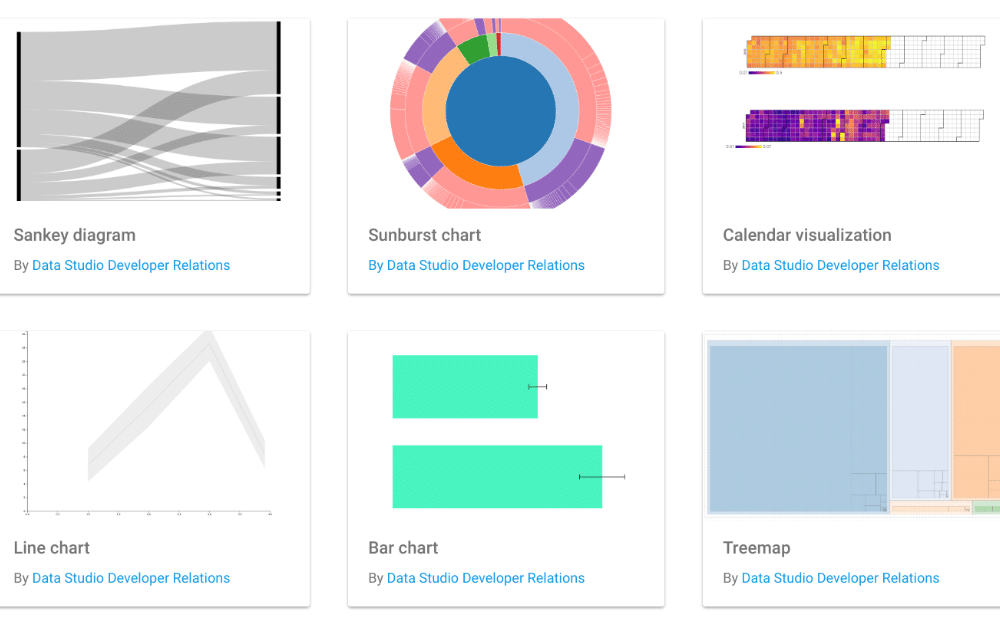
- Overview: A free data visualization tool that integrates with other Google services like Analytics, Search Console, and Ads to create comprehensive reports.
- Key Features:
- Customizable Reports: Create visual, shareable reports for SEO metrics, including traffic, rankings, conversions, and more.
- Data Integration: Pull data from multiple sources, including Search Console and Analytics, to create a holistic view of your website’s performance.
- Interactive Dashboards: Allows for real-time data manipulation and exploration.
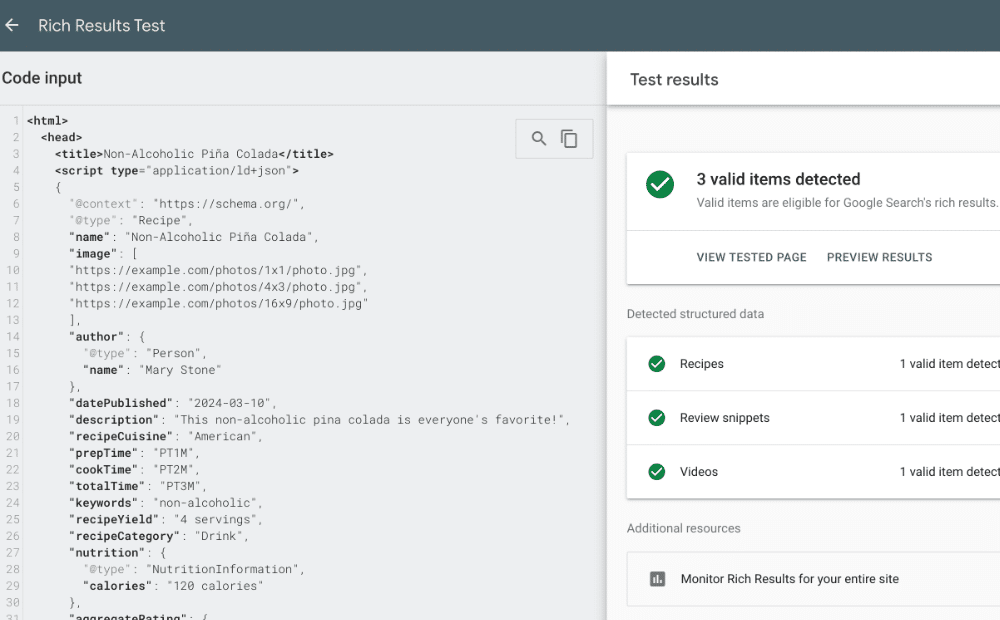
- Overview: A tool for testing structured data markup, which helps search engines better understand your content and display rich results.
- Key Features:
- Structured Data Validation: Checks if your structured data is implemented correctly (e.g., for product reviews, events, recipes).
- Rich Results Preview: Provides a preview of how your content might appear in search results with rich snippets.
Google Structured Data Testing Tool / Rich Results Test
Google Tag Manager
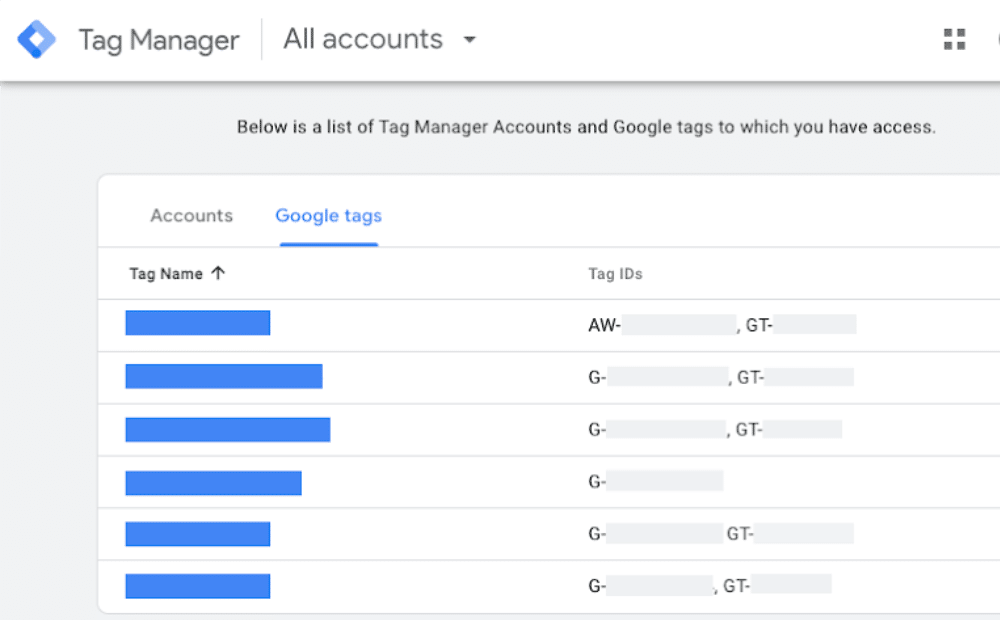
- Overview: A tag management tool that allows you to add and manage tags (including SEO-related tags) without editing website code directly.
- Key Features:
- Easy Tag Deployment: Simplifies the implementation of analytics, tracking, and SEO tags (like structured data) without the need for developer support.
- Event Tracking: Track specific user actions on your website (such as clicks or form submissions) that are useful for SEO analysis.
Get Your Free SEO Consultation Today!
Unlock the potential of your online presence with Varsa Search Engine Optimization. Contact us now to learn how our expert SEO services can drive traffic and grow your business.